
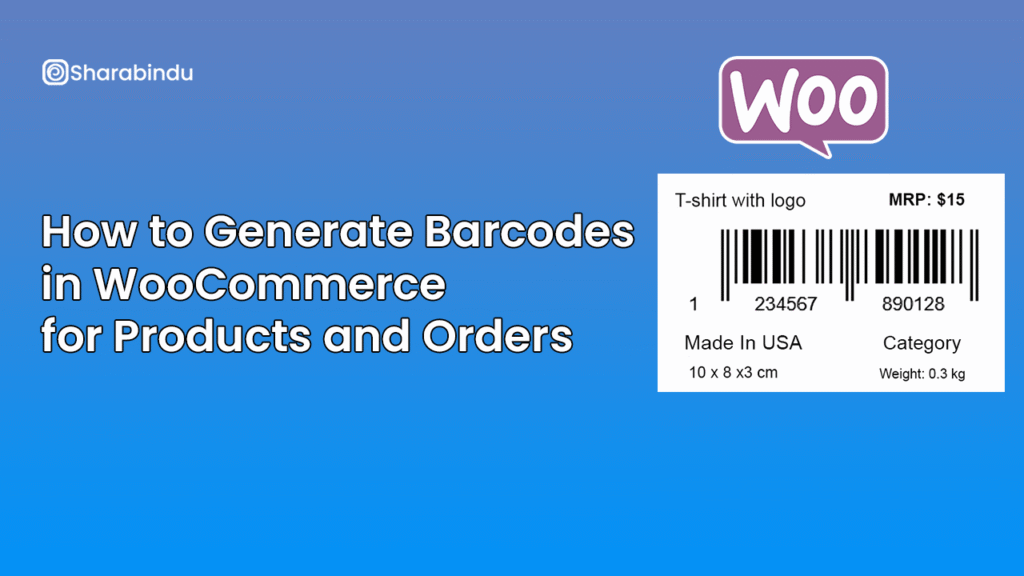
How to Generate Barcodes in WooCommerce for Products and Orders
 Ryan Mitchell
- 2 min read
Managing WooCommerce products and orders becomes increasingly complex as your store grows. Barcodes provide a simple and reliable way to organize inventory, speed up order processing, and reduce human error.
In WooCommerce, barcodes can be used for product identification, order tracking, packaging, and even invoice management. Instead of manually entering product data or searching order IDs, scanning a barcode instantly retrieves the required information.
Why Barcodes Matter in WooCommerce
Without barcodes, store owners often face issues such as:
- Incorrect product picking during fulfillment
- Slower order processing
- Difficulty managing large inventories
- Manual errors in invoices and packaging
Barcodes solve these problems by connecting physical products and orders directly to WooCommerce data.
How Barcodes Work in WooCommerce
A barcode is generated using a unique value such as:
- Product ID or SKU
- Order ID
- Custom EAN or UPC code
Once generated, the barcode can be displayed:
- On the product edit page
- On the single product page
- Inside WooCommerce order details
- On PDF invoices and packing slips
These barcodes can then be scanned using standard barcode scanners or mobile devices.
The Best Way to Generate Barcodes Automatically
Instead of using external barcode tools or spreadsheets, the most efficient approach is to use a WooCommerce-specific solution like WooCommerce Barcode Plugin.
This plugin allows you to:
- Automatically generate barcodes for products and orders
- Print barcode labels in bulk
- Display barcodes on invoices and emails
- Store barcodes entirely inside WordPress
No external APIs. No recurring barcode regeneration.
Final Thoughts
If you sell physical products or manage frequent orders, barcodes are no longer optional. A proper WooCommerce barcode system saves time, improves accuracy, and scales effortlessly with your store.
Writted by
Ryan Mitchell
Ryan Mitchell is an experienced Plugin Developer who specializes in creating powerful, user-friendly WordPress and WooCommerce solutions. With a strong focus on functionality and performance, he develops plugins that help businesses streamline workflows and enhance their online presence.
You may also Like
How to Automatically Generate EAN & UPC Barcodes in WooCommerce
Managing product identifiers like EAN, UPC, SKU, or GTIN is one of the biggest challenges for WooCommerce store owners—especially if
How to Add Barcode to WooCommerce Site
Barcodes invented 70 years ago, are essential for inventory, supply chain, and sales control. Efficiency, accuracy, and scalability are key